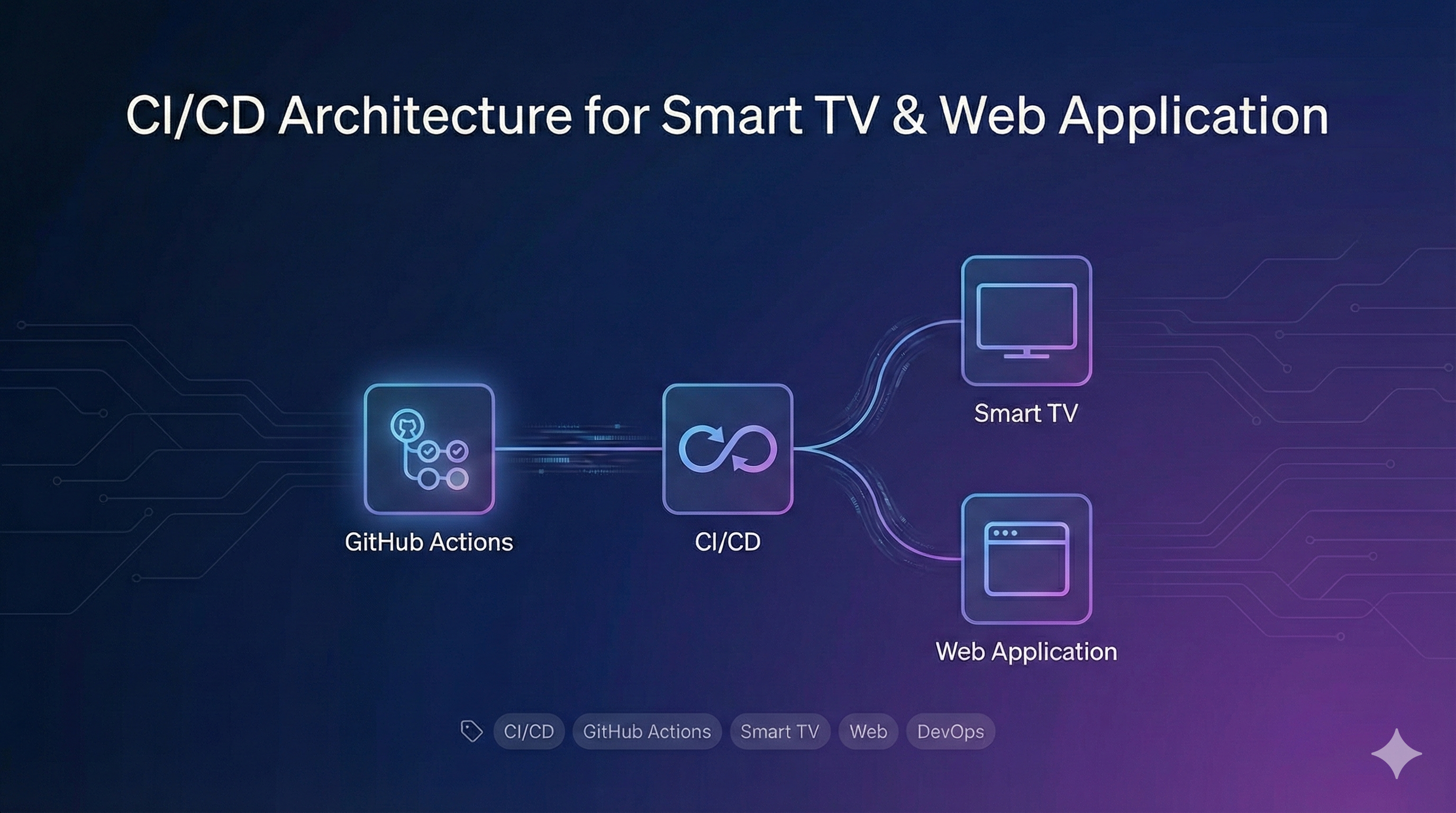
CI/CD Architecture for Smart TV & Web Application
Overview
This document details the Continuous Integration and Continuous Deployment (CI/CD) pipeline designed for a high-performance OTT/Streaming application targeting both Smart TV and Web platforms.
The system is built on GitHub Actions, leveraging a modular and reusable workflow architecture to ensure reliability, scalability, and speed across multiple environments (Development, Staging, and Production).
Key Features
- Multi-Platform Support: Unified pipeline handling both Web and Smart TV builds with platform-specific optimizations.
- Tag-Based Deployment: Automated environment selection based on semantic versioning tags.
- Reusable Workflows: Modular design reducing code duplication and simplifying maintenance.
- Secure Deployment: SSH-based deployment with strict key management.
- Containerization: Docker-based delivery ensuring consistency across environments.
- Performance Optimization: Streamlined workflows with parallel execution and redundant job elimination, reducing build times by ~40%.
Workflow Strategy
The pipeline is triggered by specific tag patterns, which determine the target environment and platform.
Trigger Configuration
The system distinguishes between environments using regex patterns on git tags:
on:

push:
tags: # Smart TV Development Builds - 'v[0-9].[0-9]+.[0-9]+-dev-st.**' # Web Development Builds - 'v[0-9].[0-9]+.[0-9]+-dev-w.**'
Pipeline Stages
1. Dynamic Environment & Platform Detection
A dedicated job analyzes the incoming tag to set the build context dynamically:
get-type:

runs-on: ubuntu-latest
needs: [print_branch_name]
outputs:
TYPE: ${{ steps.get_type.outputs.type }}
steps: - name: Get Type
id: get_type
run: |
if ${{ contains(github.ref, '-dev-w.') }}; then
echo "type=web" >> $GITHUB_OUTPUT
else
echo "type=smartTv" >> $GITHUB_OUTPUT
fi
2. Build & Containerization
We utilize a reusable workflow that handles the complexity of building the Flutter application and creating the Docker image. This workflow uses a custom script runner (rps) to abstract platform-specific build commands.
jobs:

build-and-push:
name: Build And Push
runs-on: ubuntu-latest
steps: # ... (Setup steps omitted for brevity)

      - name: Build Application
        run: rps build:${{ inputs.entry }}

      - name: Build Container
        run: rps docker:${{ inputs.build_type }}:build -t ${{ env.CONTAINER_NAME }}

      - name: Push Tag Container To Github
        run: |
          docker push ${{ env.CONTAINER_NAME_WITH_TAG }}
3. Automated Deployment
The deployment process is orchestrated to update multiple servers simultaneously. It securely connects via SSH, updates the Docker Compose configuration, and restarts services with zero-downtime goals.
"Deployment automation reduced delivery time from 2 hours to 15 minutes, significantly improving the development team's experience."
Infrastructure as Code (IaC) & Tooling
- Flutter: Framework for cross-platform development.
- RPS (Run Project Scripts): Custom Dart-based task runner to manage complex build arguments and environment preparation.
- Docker: Ensures the application runs identically in CI and Production.
- GitHub Container Registry (GHCR): Stores the build artifacts.
Example RPS Script Configuration
scripts:

# Optimized build for Smart TV (HTML renderer)

run:script:remove:build: dart run scripts/remove_build_script.dill
run:script:prepare:custom_builds: dart run scripts/prepare_custom_builds_script.dill
run:script:prepare:web_server_files: dart run scripts/prepare_web_server_files_script.dill
run:script:optimize: npm --prefix ./build/web run optimize-files
build:smartTv: rps run:script:remove:build && rps run:script:prepare:custom_builds && flutter build web --web-renderer html --release && rps run:script:prepare:web_server_files && rps run:script:optimize
Conclusion
This CI/CD architecture demonstrates how to build robust and scalable pipelines for complex multi-platform applications. The combination of GitHub Actions, Docker, and custom tools like RPS provides a reliable deployment system that significantly reduces delivery times while maintaining high quality and security.
Need to implement a robust CI/CD architecture for your multi-platform project?
Let's talk! Contact me here to discuss your specific project.
Or if you prefer, discover my complete portfolio here.